Trading Wallet setup
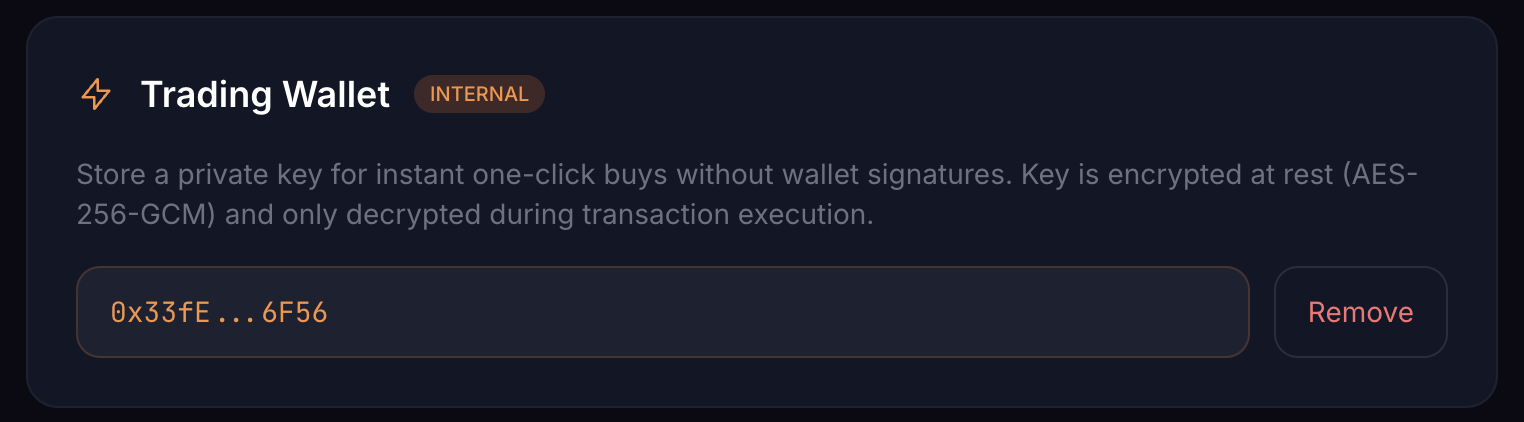
The Trading Wallet buys NFTs from OpenSea listings (and fires scheduled auto-mints) the moment conditions match, without prompting your browser wallet for a signature each time. To make that possible, Daily-Mints stores a private key on your behalf — encrypted at rest.
Enterprise feature. The Trading Wallet is enterprise-only.
How the key is stored
- Encrypted at rest with AES-256-GCM
- Decrypted only during transaction execution
- Never logged, printed or returned by any API
Setup flow
- Open Settings → Trading Wallet and click Enable Trading Wallet
- Read the disclaimer and confirm
- Paste the private key (64 hex characters) of your buying wallet
- Click Save — Daily-Mints encrypts the key and shows the masked address
Click Remove anytime to delete the encrypted key.
The one rule that matters
Use a dedicated buying wallet — never your vault. Fund it with the ETH you intend to spend, top it up as needed, and treat it as throwaway. If anything goes wrong (compromise, mistake, bug), the only thing at risk is what's in that wallet.
Next steps
→ Auto-Snipe — set rules so the Trading Wallet buys for you → My Mints — track every scheduled and fired buy → Glossary